Modern UX Principles for Service Businesses
In 2026, the digital landscape for local services has shifted from complex web forms to invisible interfaces. Mastering ux user experience design is no longer just about how a website looks, but how effortlessly a client can achieve their goal. For service providers, this means moving away from high-friction booking links toward seamless, conversational interactions.
- UX Design
- Client Retention
- Mobile-First
- Invisible Software
The Core Pillars of User Interface and Experience
Effective user interface and experience in the service sector prioritize speed and cognitive ease. When a client decides they need a haircut or a massage, the window of intent is narrow. Any hurdle—like a forgotten password or a slow-loading calendar—increases the likelihood of abandonment.
- Minimalism: Only show the information necessary for the current step.
- Anticipatory Design: Predict what the client needs based on past behavior.
- Zero-Login Architecture: Remove the need for usernames and passwords.
- Mobile Optimization: Ensure every touchpoint is thumb-friendly.
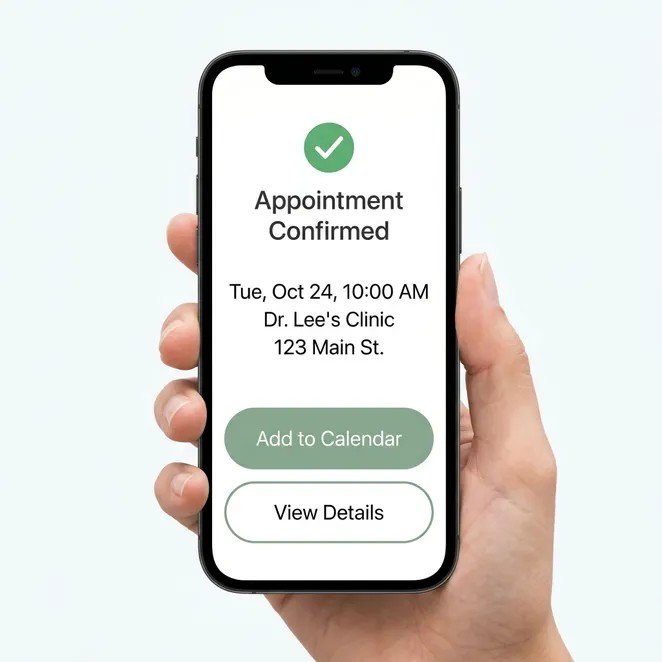
Why Good UI UX Design Drives Retention
Retention is built on the path of least resistance. By applying good ui ux design, businesses create a 'sticky' experience where rebooking feels like a natural extension of the service itself rather than a chore. This approach leverages mobile client engagement to keep the brand top-of-mind without being intrusive.
- Clients who abandon booking due to complex forms
- 68%
- Higher conversion for zero-friction interfaces
- 3x
- The year invisible UX became the industry standard
- 2026
The Shift to Invisible Interfaces in Services UX
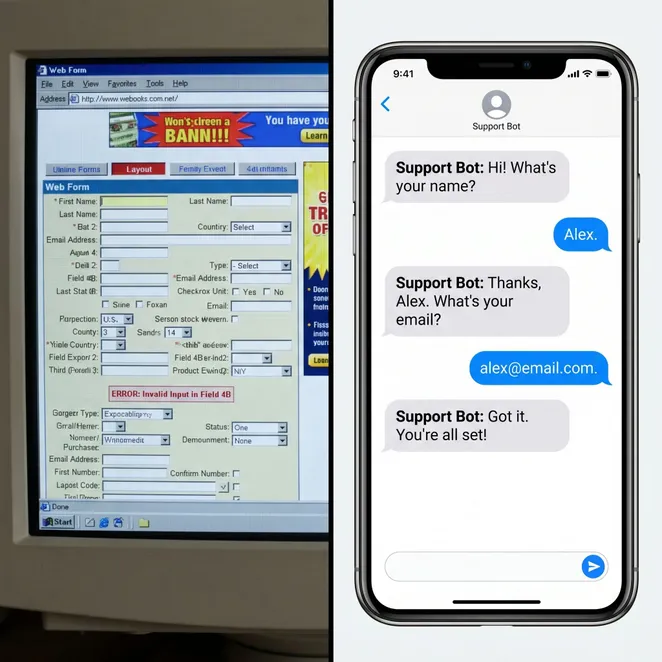
The most sophisticated services ux today is the one the client barely notices. Instead of navigating a website, clients interact via familiar channels like SMS. This reduces the 'interaction cost'—the mental and physical effort required to complete a task.
Pros
- Instant interaction via messaging
- No new apps to download
- Personalized time suggestions
- High response rates
Cons
- Requires multiple clicks
- Often requires account login
- High drop-off on mobile browsers
- Generic, non-personalized views
Design and UX: Beyond Aesthetics
While visual design is important, design and ux in a service context are primarily functional. It is about mapping the customer journey and identifying where friction occurs. Common friction points include forced registration and confusing calendar layouts.
Essential User Experience Design Resources
For owners looking to improve their digital touchpoints, several user experience design resources can provide a framework for improvement. Focus on resources that emphasize 'Jobs to be Done' (JTBD) theory and mobile-first interaction patterns.
- Analyze your current drop-off rates in your booking software.
- Survey 'drifting' clients about their last booking experience.
- Research 'invisible software' trends for 2026.
- Implement a reply-to-book workflow to test friction reduction.
Implementing SMS Appointment Scheduling
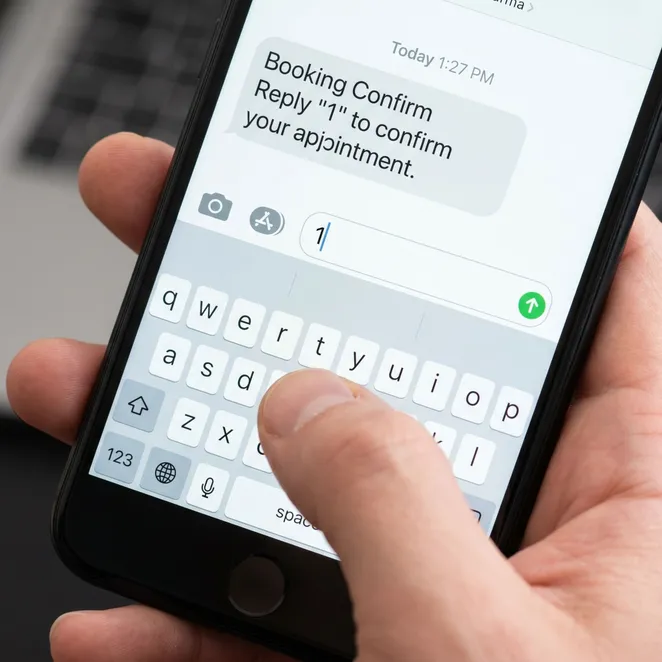
One of the most effective ways to apply modern UX principles is through sms appointment scheduling. By moving the interface into the client's text inbox, you meet them where they already spend their time, eliminating the need to visit a website entirely.
Evaluating User Experience Software
When choosing user experience software for your business, look for tools that integrate with your existing calendar rather than replacing it. The goal is to add a layer of intelligence that handles the 'last mile' of the client journey.
| Feature | Traditional Software | Modern Invisible UX |
|---|---|---|
| Interface | Web Browser / App | SMS / Messaging |
| Login Required | Yes | No |
| Proactive | Rarely | Always |
Common UX Pitfalls to Avoid
Do
- Use clear, action-oriented language.
- Offer specific time slots based on history.
- Keep the interaction under three steps.
- Personalize every message with the client's name.
Don't
- Send generic 'book now' links to everyone.
- Require a password for a simple rebook.
- Overwhelm the client with too many options.
- Ignore the client's preferred service provider.
The Future of Service Interactions
As we progress through 2026, the businesses that thrive will be those that respect their clients' time. UX is no longer a luxury for tech giants; it is a survival requirement for every barbershop, salon, and med spa.
The best interface is no interface. In the service industry, the goal is to get the client off their phone and into your chair as quickly as possible.
How rebook.help Applies These Principles
At rebook.help, we built our platform on the principle of zero-friction. We don't send your clients to a website; we send them a text. By identifying drifting clients and offering them specific gaps in your calendar, we turn the complex task of rebooking into a simple 'reply 1' interaction.
Ready to eliminate booking friction?
See how our reply-to-book SMS engine can recover lost revenue and keep your calendar full without the need for links.