The Business Owner’s Guide to SMS Appointment Scheduling
In 2026, the friction of a booking link is the silent killer of local service revenue. Modern clients expect an immediate, conversational way to secure their time slots without navigating complex portals or remembering passwords.
Implementing sms appointment scheduling allows your business to meet clients where they already spend their time: their text inbox. This guide explores how to transition from passive reminders to active booking workflows.
- Average SMS Open Rate
- 98%
- Faster Response vs Email
- 3x
- Reduction in No-Shows
- 40%
What is Zero-Friction SMS Appointment Scheduling?
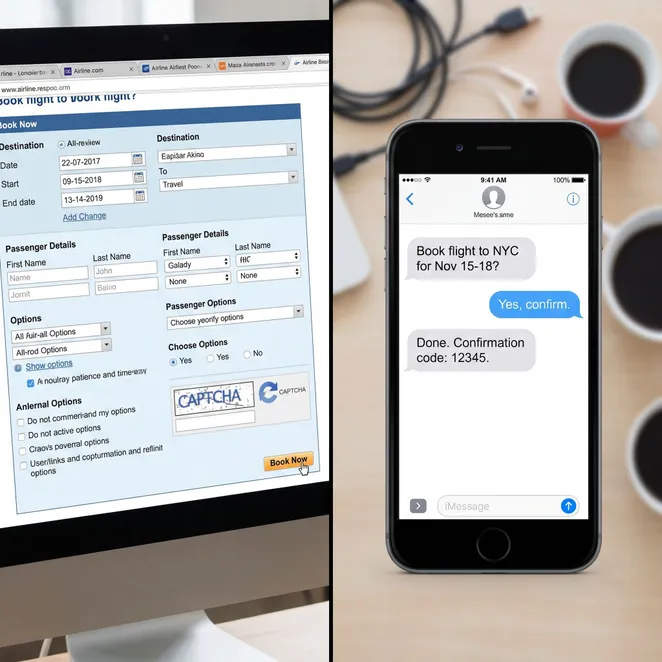
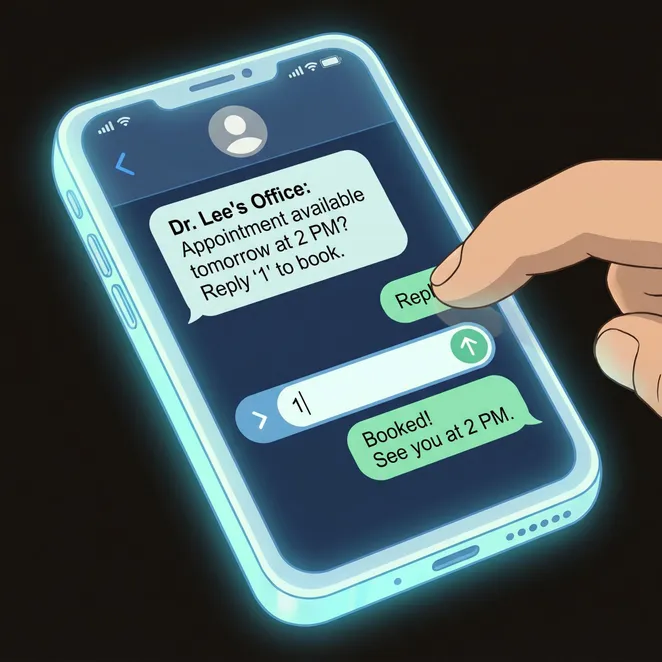
Traditional text message appointment scheduling often ends with a link. Zero-friction scheduling, however, uses a reply-to-book model where the client confirms a time by simply texting back a number or keyword.
The Psychology of the 'Reply-to-Book' Model
When you send an appointment text message, you are capturing intent at its peak. If a client has to leave the messaging app to open a browser, log in, and find their provider, you lose up to 50% of your conversion rate to 'digital drift'.
Key Benefits of Text Message for Appointment Management
- Eliminates the need for client logins or app downloads.
- Reduces administrative burden on front-desk staff.
- Fills last-minute calendar gaps automatically.
- Captures 'drifting' clients before they look at competitors.
- Provides a premium, concierge-level experience.
How to Implement SMS Scheduling in 5 Steps
Audit Your Current Software
Ensure your CRM or POS has an open API for third-party scheduling enhancements.
Define Your Rebooking Window
Identify the ideal time to reach out based on service frequency (e.g., 4 weeks for a fade, 6 months for a facial).
Craft Your Scripts
Write clear, concise messages that offer 2-3 specific time slots.
Automate the Workflow
Set up triggers so the system identifies overdue clients without manual oversight.
Monitor and Optimize
Track which time slots and message tones result in the highest booking rates.
Comparing SMS Scheduling Methods
| Feature | Manual Texting | Link-Based SMS | Reply-to-Book SMS |
|---|---|---|---|
| Staff Effort | High | Low | Zero |
| Client Friction | Medium | High | None |
| Calendar Sync | Manual | Automatic | Real-Time |
Best Practices for Your First SMS Appointment
Do
- Use the client's name and mention their last service.
- Offer specific times rather than asking 'when are you free?'.
- Include a clear opt-out for compliance.
- Keep the message under 160 characters.
Don't
- Send messages before 9 AM or after 8 PM.
- Use overly salesy or aggressive language.
- Send more than two follow-ups if they don't reply.
- Link to a page that isn't mobile-optimized.
Common Questions About Text Scheduling
Does this replace my existing booking software?+
Is it compliant with TCPA and CASL regulations?+
What happens if a client asks a question instead of booking?+
Can I choose which providers are available for SMS booking?+
How do I track the ROI of these messages?+
Integrating with Your Current Tech Stack
The most effective way to maximize appointment bookings is to ensure your SMS tool is deeply integrated with your POS. For example, using square appointments automation allows the system to see exactly when a client last visited.
The Role of Automated Reminders
While rebooking is about growth, automated sms reminders are about protection. Combining both ensures that once a client is on the books, they actually show up for their service.
Script Templates for Success
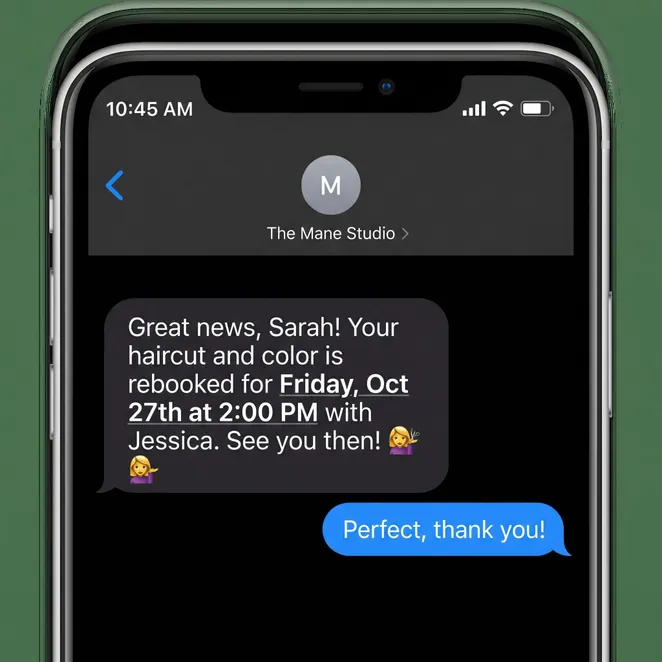
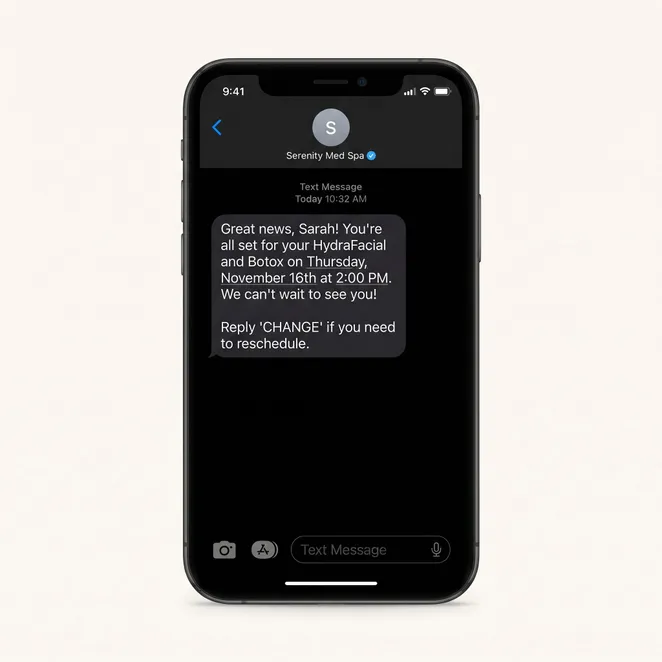
Your appointment confirmation text should be clear and actionable. Avoid fluff and get straight to the value for the client.
Why Manual Outreach Fails
Pros
- Automated systems never forget to follow up.
- Clients feel less pressured by a text than a call.
- Data-driven timing beats staff intuition.
Cons
- Manual calls often go to voicemail.
- Staff time is better spent on in-person clients.
- Manual tracking leads to missed opportunities.
Visualizing the Client Experience
The Financial Impact of Client Retention
Increasing retention by just 5% can increase profits by 25% to 95%. SMS scheduling is the most direct lever you can pull to influence this metric without increasing your marketing spend.
We saw our rebooking rate jump by 30% in the first month. The best part is my front desk didn't have to lift a finger.
Choosing the Right SMS Platform
Not all SMS tools are created equal. Look for a platform that understands 'calendar awareness'—the ability to look at your real-time availability and offer the most strategic gaps first.
- Real-time calendar integration
- Automated drift detection
- Two-way conversational AI
- Provider-specific scheduling logic
How rebook.help Solves the Scheduling Puzzle
At rebook.help, we built our platform specifically to eliminate the 'booking link' barrier. We don't just send reminders; we proactively recover your drifting clients by offering them the exact times they want via a simple text reply.
By connecting directly to your existing software, we turn your client history into a revenue-generating engine that works while you sleep.
Over 50,000 appointments secured via SMS this year.
Trusted by top-rated salons and med spas across North America.
Ready to Automate Your Calendar?
Stop letting your regular clients drift away. It's time to upgrade your scheduling workflow to a zero-friction model that respects your clients' time and your staff's sanity.
Start Your Zero-Friction Rebooking Trial
Connect your calendar and start recovering drifting clients today with our automated SMS workflows.
Explore More Scheduling Resources
Related Categories
- Retention
- Automation
- SMS Marketing
- Local Business
This guide is part of our commitment to helping service-based businesses thrive in a mobile-first economy. For more information on general messaging, visit our main hub.
Final Takeaway
The future of booking isn't an app or a website; it's a conversation. Start that conversation today.
Thank you for reading our comprehensive guide to SMS scheduling. We update our resources regularly to reflect the latest trends in 2026.