Automate Square Client Follow-Up for Proactive Rebooking
Manual outreach is the silent killer of salon and spa growth. When you spend hours texting individual clients to check in, you aren't just losing time—you are losing the opportunity to scale. Learning how to automate square client follow up ensures that no regular customer drifts away simply because life got busy.
- Average client drift rate without follow-up
- 42%
- Increase in rebooking speed via SMS
- 3.5x
- Manual work required after setup
- 0 min
The Problem with Manual Square Appointments Rebooking
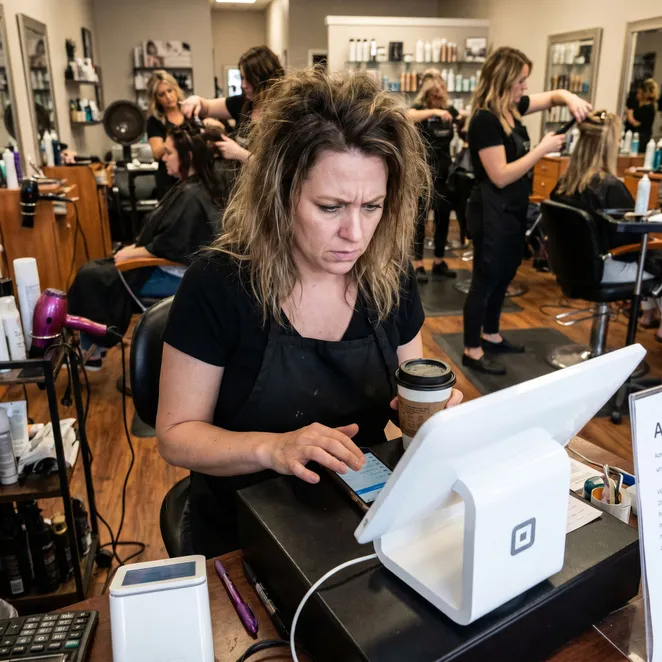
Most business owners rely on a standard square appointments text reminder to reduce no-shows, but reminders only work for appointments already on the books. The real challenge is the client who left three weeks ago and hasn't scheduled their next visit.
Identifying Drifting Clients in Square
To effectively automate your outreach, you first need to define what a 'drifting' client looks like. Within your Square Client Directory, you can filter by 'Last Visit' to see who is overdue for their typical service cadence.
- Hair Color: 6-8 weeks since last visit
- Barber Cut: 3-4 weeks since last visit
- Med Spa Injectables: 3-4 months since last visit
- Massage/Wellness: 4 weeks since last visit
How to Structure an Automated Follow-Up Sequence
- Sync your Square Appointments calendar to an automation layer.
- Set a 'Drift Trigger' based on the specific service the client received.
- Draft a concierge-style message that offers specific availability.
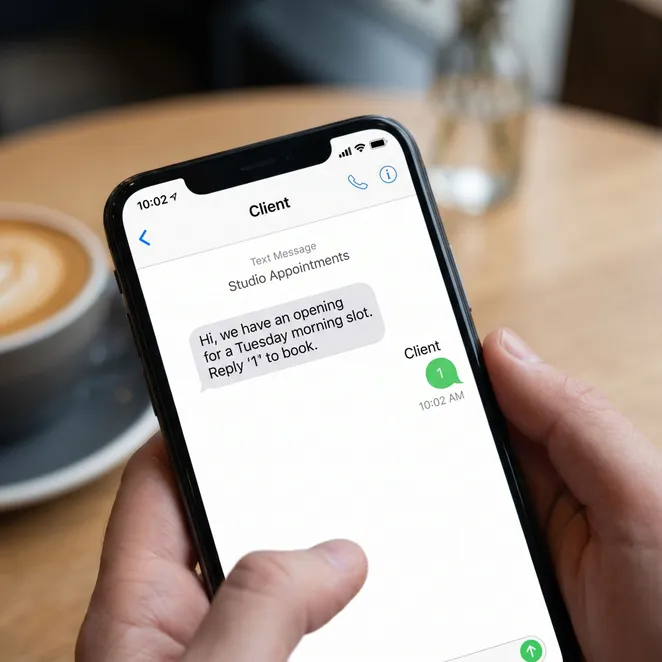
- Enable a reply-to-book mechanism to capture the appointment instantly.
Timing Your Outreach for Maximum Impact
Sending a message too early feels pushy; sending it too late means they've already booked with a competitor. The sweet spot is usually 2-4 days after their 'expected' rebooking date.
Using SMS vs. Email for Square Follow-Ups
Pros
- 98% open rates within 3 minutes
- Feels personal and urgent
- Easy to reply on the go
Cons
- Lower open rates (approx 20%)
- Often lost in 'Promotions' folders
- Requires clicking through to a portal
Automating Overdue Appointment Reminders
For clients who have completely missed their window, you need specialized overdue appointment reminders that acknowledge the gap without making the client feel guilty.
The Psychology of Zero-Friction Booking
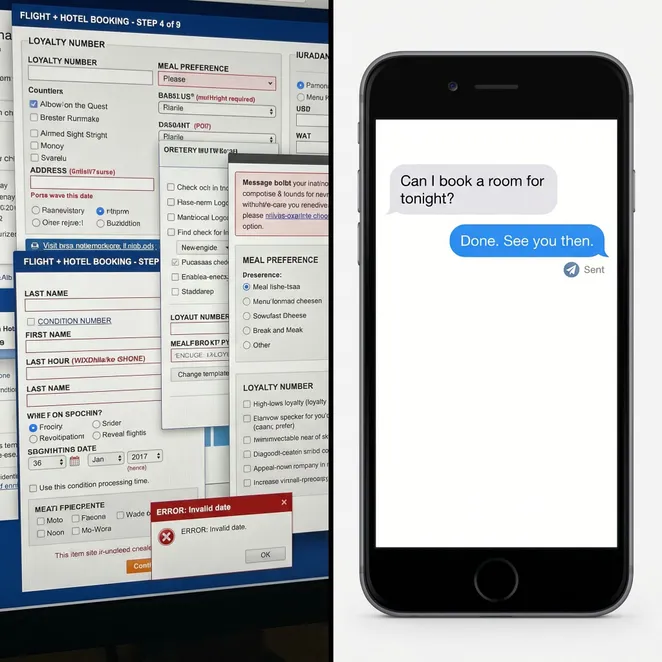
Every click you add to the booking process reduces the chance of a conversion. When a client learns how to book via text, they are significantly more likely to remain loyal to your brand.
Filling Gaps in Your Square Calendar
Automated follow-ups aren't just for retention; they are a tactical tool to fill slow salon days and mid-week gaps that would otherwise go unmonetized.
Step-by-Step: Setting Up Square Rebooking
Connect Square
Authorize the integration to access your Appointments data safely.
Define Cadence
Set how many weeks after a service a client is considered 'drifting'.
Select Slots
Choose which calendar gaps the automation should prioritize filling.
Go Live
The system monitors your Square data and sends texts automatically.
Best Practices for Follow-Up Copy
Do
- Use the client's first name
- Mention the specific service they had last
- Offer a specific time (e.g., Tuesday at 10 AM)
Don't
- Send generic 'we miss you' blasts
- Include long, messy URLs
- Text after 8:00 PM local time
Measuring Success in Square Appointments
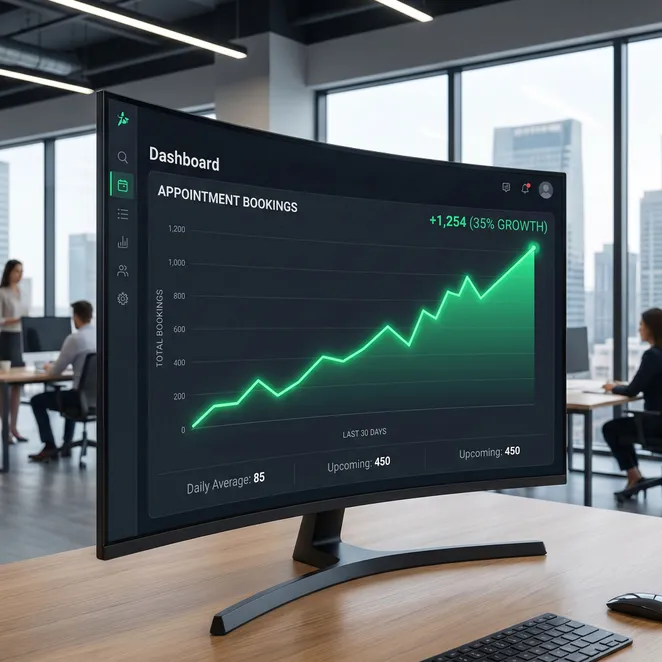
Keep an eye on your 'Rebooking Rate' within Square Reports. After implementing automated follow-ups, you should see a marked increase in the percentage of clients who return within their ideal window.
Common Questions About Square Automation
Does this replace my Square Appointments app?+
Will it double-book my calendar?+
Can I customize the messages for different staff members?+
Advanced Logic: Service-Specific Triggers
Not all services are created equal. A client getting a quick trim needs a follow-up much sooner than someone receiving a long-term treatment like a keratin smoothing or a full set of lash extensions.
| Service Category | Ideal Follow-Up Window | Message Tone |
|---|---|---|
| Maintenance (Cuts) | 3 Weeks | Casual & Quick |
| Chemical (Color) | 6 Weeks | Concierge & Planning |
| High-Value (Med Spa) | 12 Weeks | Professional & Results-Oriented |
The Impact on Staff Utilization
When you automate square client follow up, you aren't just helping the business; you're helping your team. Full books lead to higher morale and better commission checks for your service providers.
Transitioning from Manual to Automated
If you are currently doing this by hand, start by automating just one service type. Once you see the square appointments rebooking rate climb for that segment, you can roll it out to your entire client base.
Why Square Users Choose rebook.help
While Square is an incredible tool for managing your day-to-day, rebook.help provides the proactive 'brain' that hunts for revenue in your data. We bridge the gap between your Square calendar and your drifting clients.
Over 50,000 appointments recovered for Square users this year.
Data verified as of June 2026.
Ready to Fill Your Calendar?
Stop leaving your retention to chance. By adding a proactive rebooking layer to your Square Appointments setup, you can ensure your chairs stay full and your clients stay happy.
Start Your Square Rebooking Engine
Connect your Square account in minutes and start recovering drifting clients automatically.
Deepen Your Knowledge
rebook.help changed how we use Square. We used to spend all Sunday night texting clients. Now, the appointments just show up on the calendar while we sleep.
Summary Checklist for Success
- Audit your Square Client Directory for drift patterns
- Set up service-specific rebooking windows
- Draft personalized SMS templates
- Enable calendar-aware slot selection
- Monitor rebooking metrics weekly
- Square Integration
- Retention Strategy
- Automation
- SMS Marketing
Explore more in Square Appointments Tips
The future of salon management is invisible. By automating the most tedious parts of your business, you free yourself to focus on the artistry and relationships that made you start your business in the first place.