The Best SMS Appointment Scheduling Software for 2026
Modern service businesses are moving away from manual outreach. The most effective text to book software now leverages automated workflows to keep calendars full without the friction of traditional booking links.
- Higher conversion vs links
- 3x
- SMS open rates in 2026
- 98%
- App downloads required
- 0
What is Text-to-Book Software?
Unlike standard reminder services, true sms appointment software allows clients to secure a time slot by simply replying to a message. This eliminates the need for them to navigate a website or log into a portal.
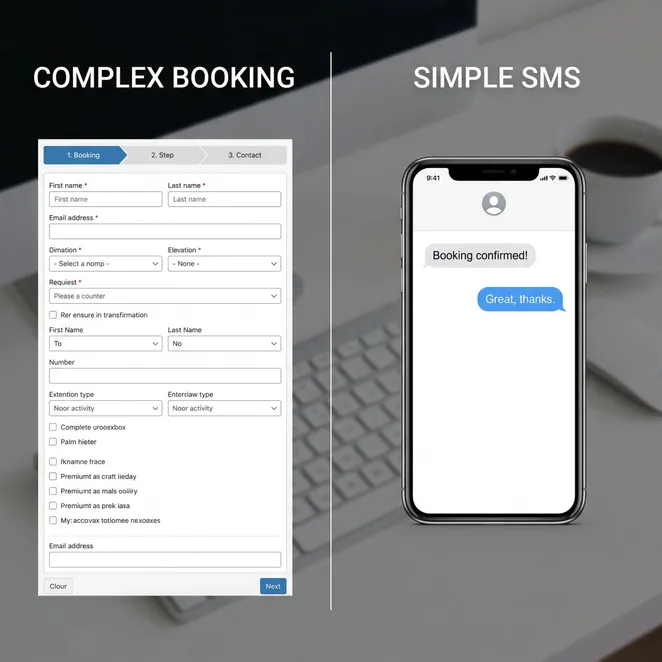
Top Features of Automated Booking Systems via SMS
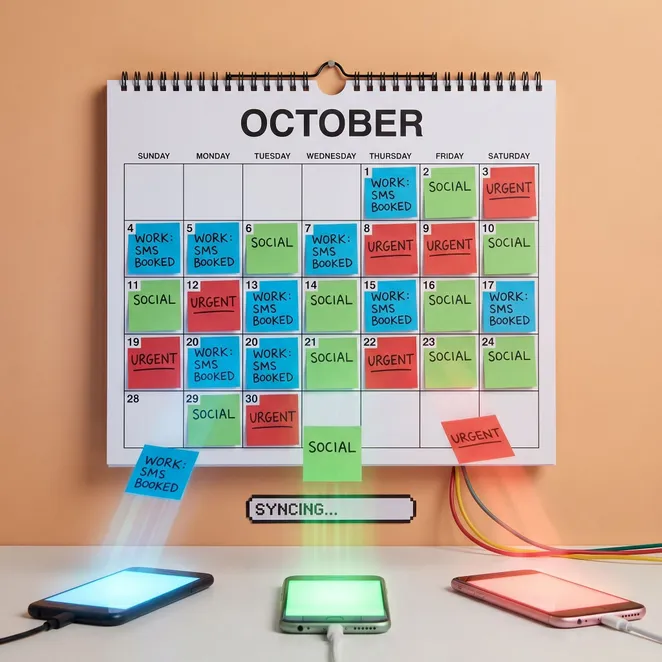
- Real-time calendar synchronization
- Natural language processing for replies
- Automated drift detection for overdue clients
- Provider-specific scheduling logic
- Multi-platform API integrations
How Reply-to-Book Technology Works
The process is designed to be invisible to the user. When a client is due for a service, the automated booking system sms triggers a personalized message with available times.
Trigger
The software identifies a client who hasn't visited in their usual 6-week window.
Outreach
An SMS is sent offering three specific time slots based on real-time availability.
Reply
The client replies with '1', '2', or '3' to choose their preferred time.
Sync
The appointment is instantly written to your existing calendar software.
Comparing Top SMS Scheduling Solutions
| Software Type | Booking Method | Integration Depth | Best For |
|---|---|---|---|
| Legacy Reminders | Link in Text | Low | Basic Notifications |
| Reply-to-Book | Direct SMS Reply | High (API) | Retention & Rebooking |
| AI Chatbots | Conversational | Medium | New Lead Intake |
Why SMS Wins Over Mobile Apps
Many owners debate the sms vs app for booking dilemma. In 2026, data shows that clients are 4x more likely to engage with a text than download a dedicated salon or spa app.
Pros
- Zero friction for the client
- Works on every mobile device
- No passwords or logins required
Cons
- Limited visual branding
- Character count restrictions
- Requires clean phone data
Essential Integrations for Your Workflow
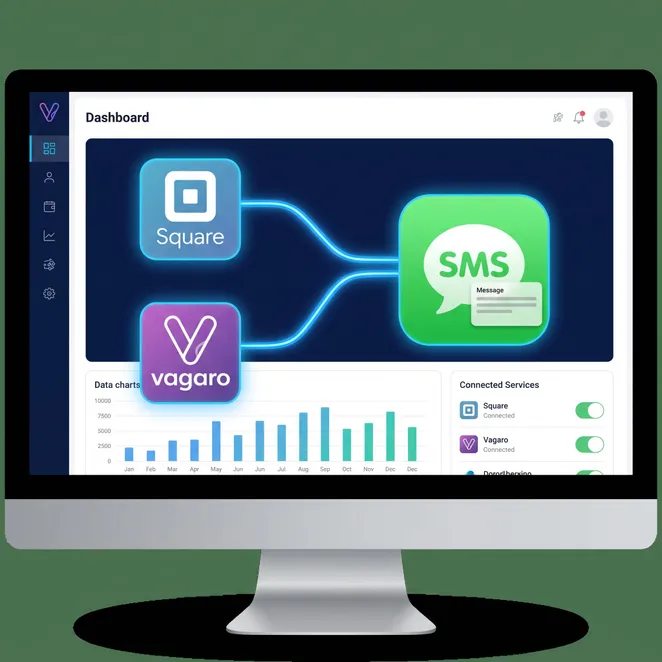
Your appointment scheduling software with sms must talk to your POS. For example, square appointments automation allows you to sync client history directly with your rebooking engine.
Best Practices for SMS Booking Scripts
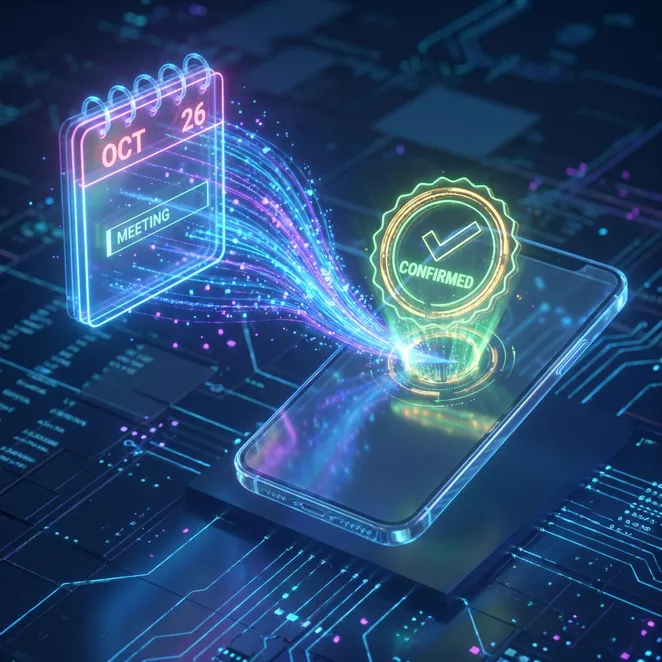
The tone of your message determines your success rate. Always send a clear appointment confirmation text immediately after the client replies to ensure they feel secure in the booking.
Do
- Use the client's first name
- Offer specific times, not general ranges
- Keep the reply instruction simple (e.g., 'Reply 1')
Don't
- Send messages after 8 PM
- Use overly salesy language
- Include long, messy URLs
Identifying and Recovering Drifting Clients
Client drift is the silent killer of local businesses. Automated software tracks the 'last seen' date and intervenes before the client builds a habit with a competitor.
Cost vs. ROI of SMS Booking Software
While there is a monthly cost for premium SMS tools, the ROI is typically realized by recovering just two 'lost' appointments per month.
- Avg monthly revenue recovered
- $1,200
- Admin time saved per month
- 15 hrs
User Experience: The Client Perspective
From the client's side, the experience feels like a concierge service. They receive a thoughtful reminder and can handle their schedule while on the go, without making a call.
I used to forget to book my hair appointments until it was too late. Now, I just text back a number while I'm at work. It's so much easier.
Setting Up Your SMS Booking Workflow
- Connect your existing calendar (Square, Vagaro, etc.)
- Set your 'drift' threshold (e.g., 6 weeks since last visit)
- Customize your outbound SMS templates
- Enable 'Reply-to-Book' logic
Common Questions About SMS Scheduling
Can clients ask questions via the SMS?+
Does this replace my booking link?+
Is it compliant with SMS regulations?+
The Future of Scheduling in 2026
We are entering the era of 'invisible software.' The best tools don't ask users to learn a new interface; they meet users where they already are—in their text messages.
Why Rebook.help is the Retention Choice
If you are looking to maximize your existing client base, rebook.help provides the specialized layer you need. We don't just send reminders; we close the loop with zero-friction booking.
Over 500 salons trust rebook.help to fill their calendars.
Updated June 2026
Ready to Automate Your Calendar?
Stop letting your best clients drift away. By implementing a proactive rebooking strategy, you can ensure your business remains stable and predictable.
Start Your Zero-Friction Rebooking Trial
Connect your calendar and start recovering drifting clients today with our reply-to-book SMS engine.
Further Reading on SMS Workflows
Choosing the right partner for your SMS strategy is about more than just sending texts; it is about creating a seamless bridge between your service and your client's busy life.
- Software Guide
- 2026 Trends
- Retention Tech
Our mission is to help local businesses thrive by making the 'rebooking' part of the job entirely automatic. Focus on your craft, and let the software handle the schedule.
Summary of Software Benefits
- Reduces administrative phone calls by 40%
- Increases rebooking rates by up to 25%
- Improves client satisfaction through convenience
- Integrates with Square, Vagaro, and Mindbody
- Provides clear data on client retention
Whether you are a solo esthetician or a large med spa, the right SMS tool scales with you, ensuring no client is ever left behind.
For more information on specific integrations or to see a demo of the reply-to-book interface, visit our documentation or contact our support team.